



AI-powered generation vs traditional drag-and-drop. InfraSketch creates diagrams from natural language. Lucidchart requires manual shape placement.
Or try an example:
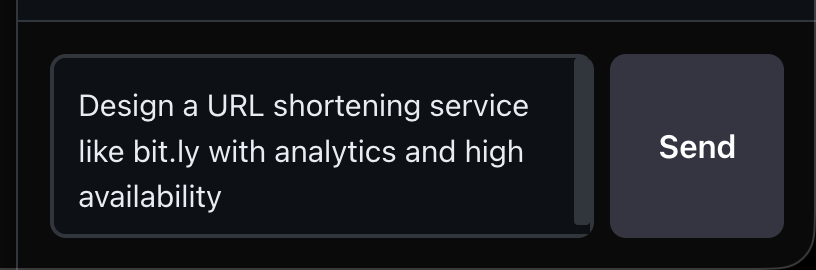
Describe your system in natural language
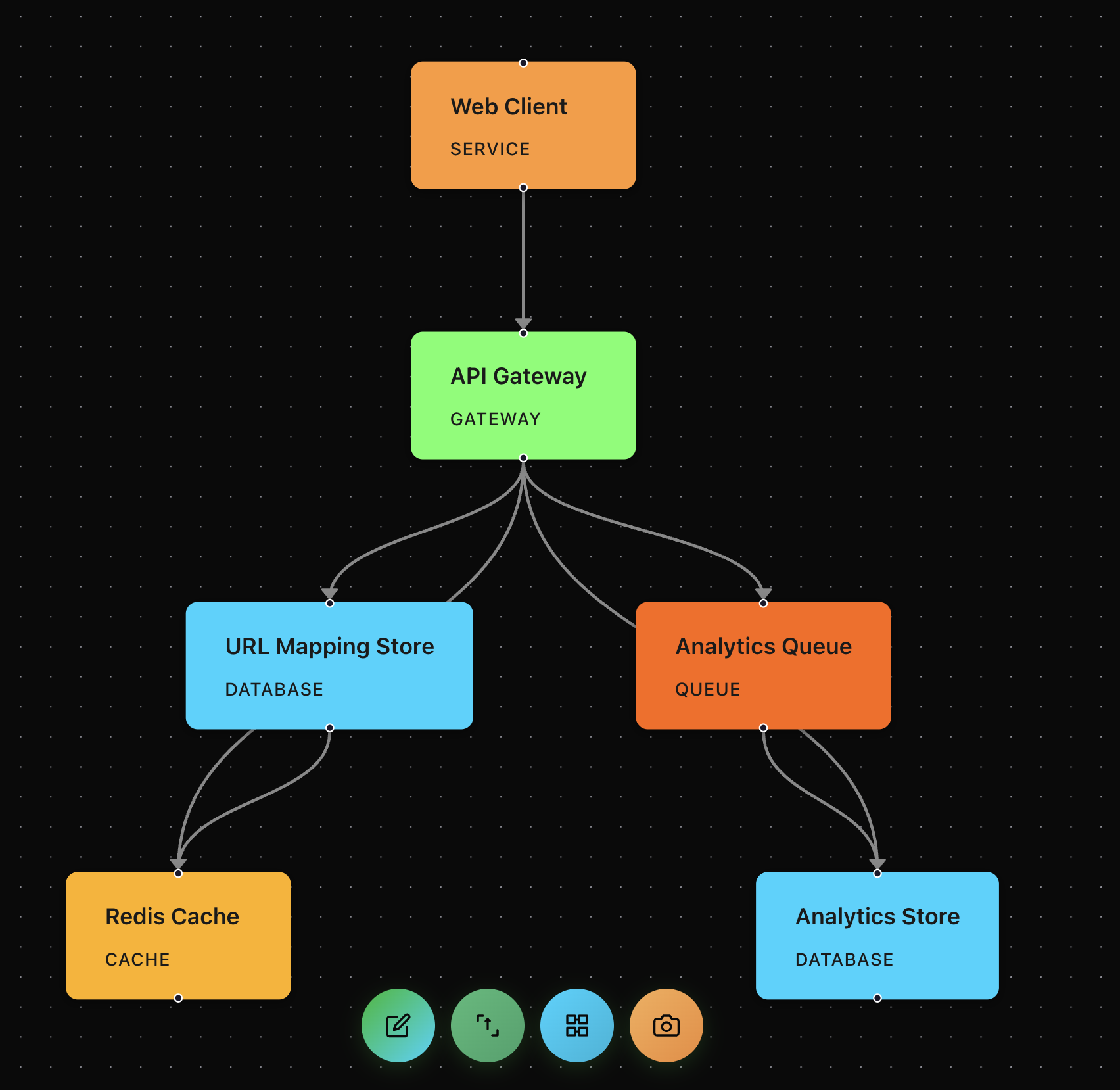
AI generates a complete architecture diagram

Refine your design through conversation
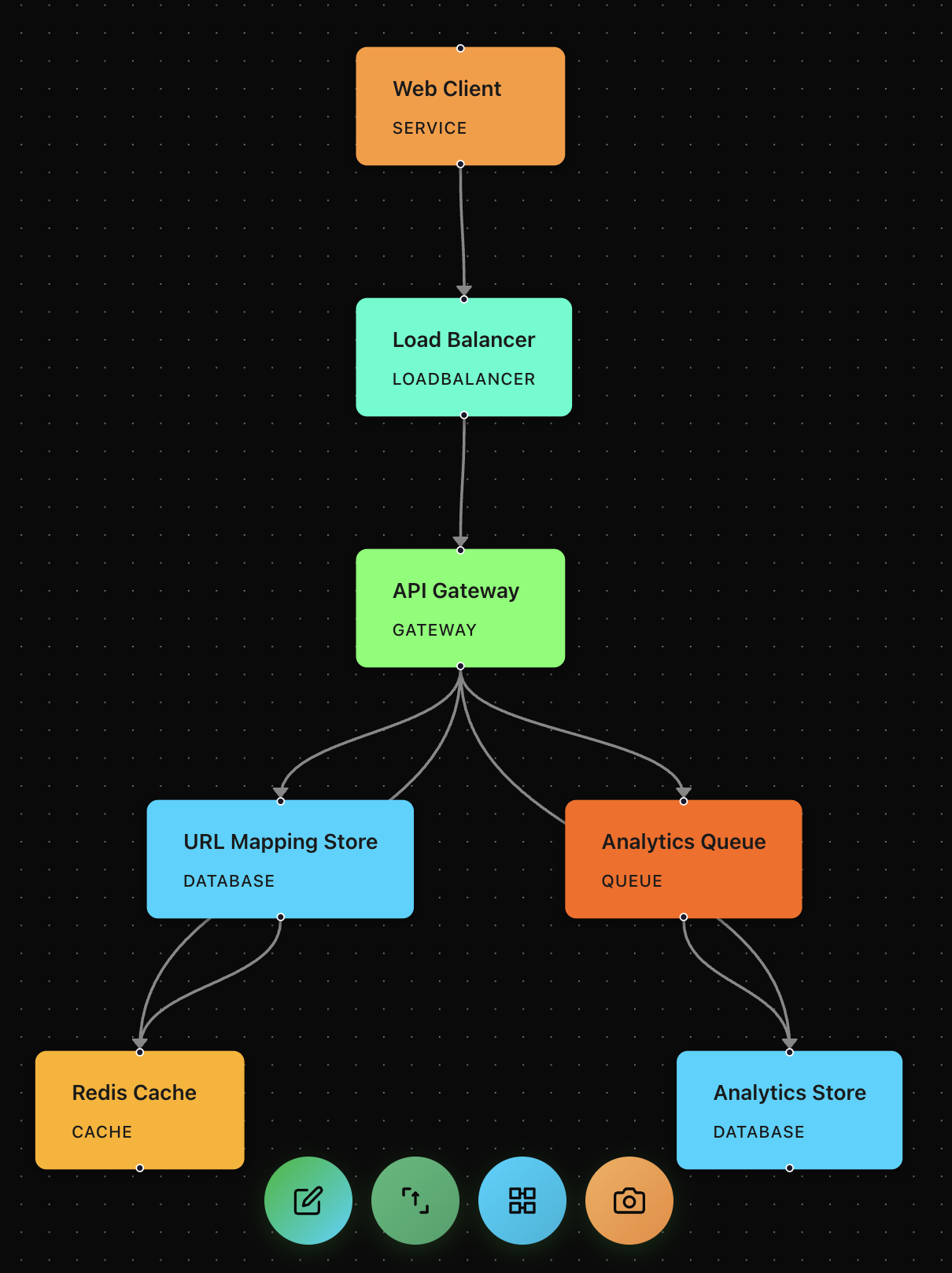
Watch your diagram update in real-time
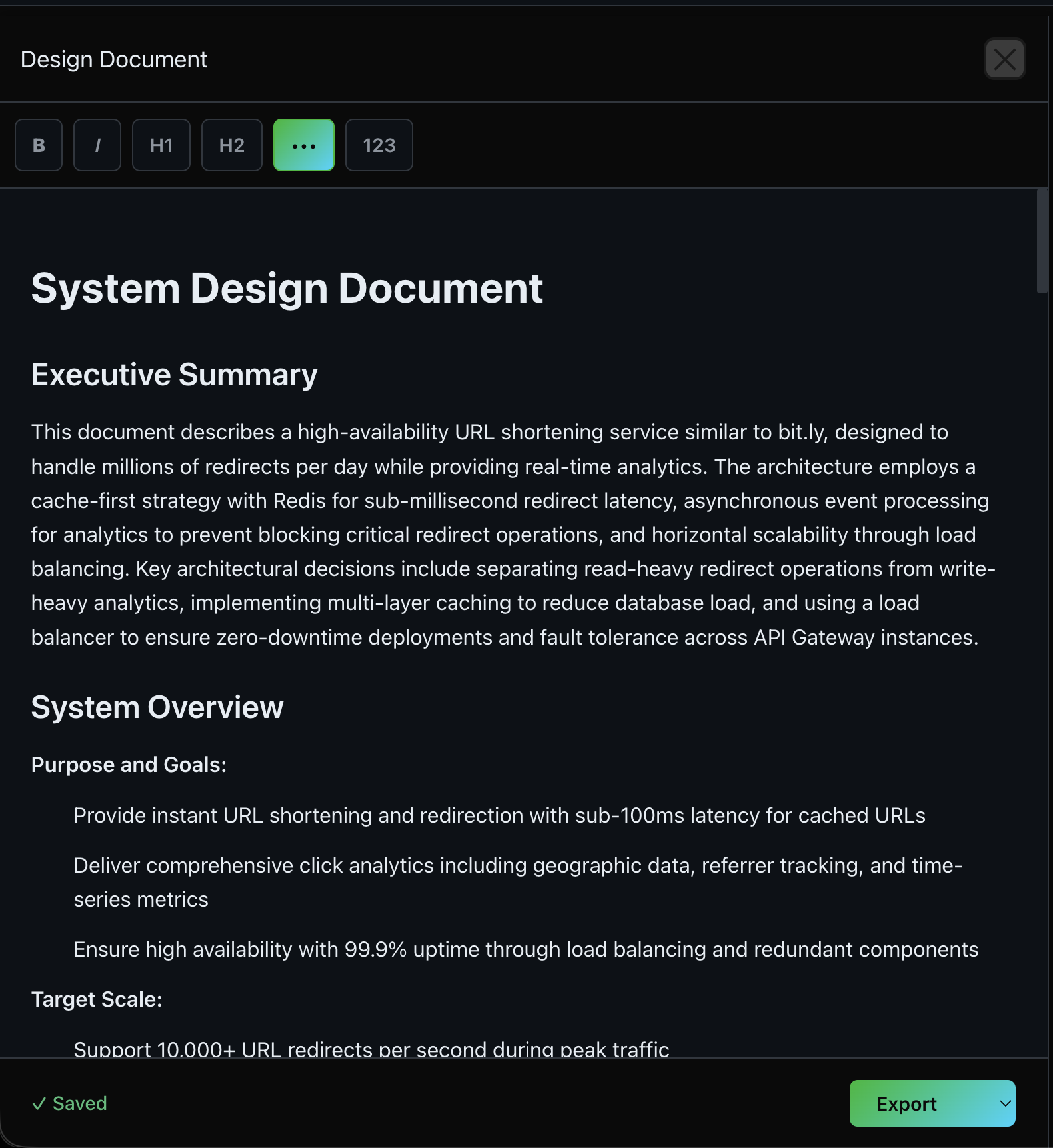
Generate comprehensive design documentation
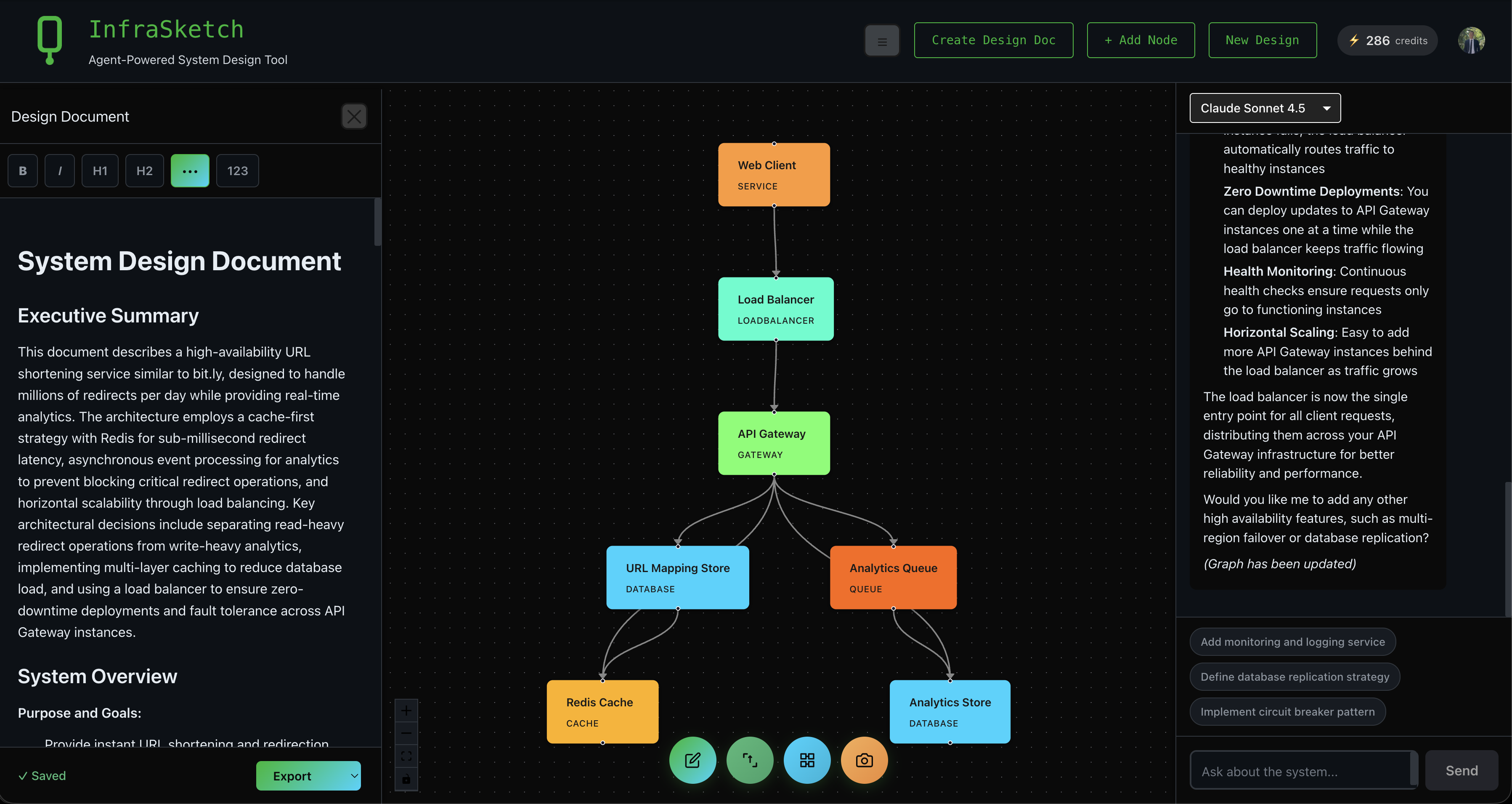
Complete workspace with all panels
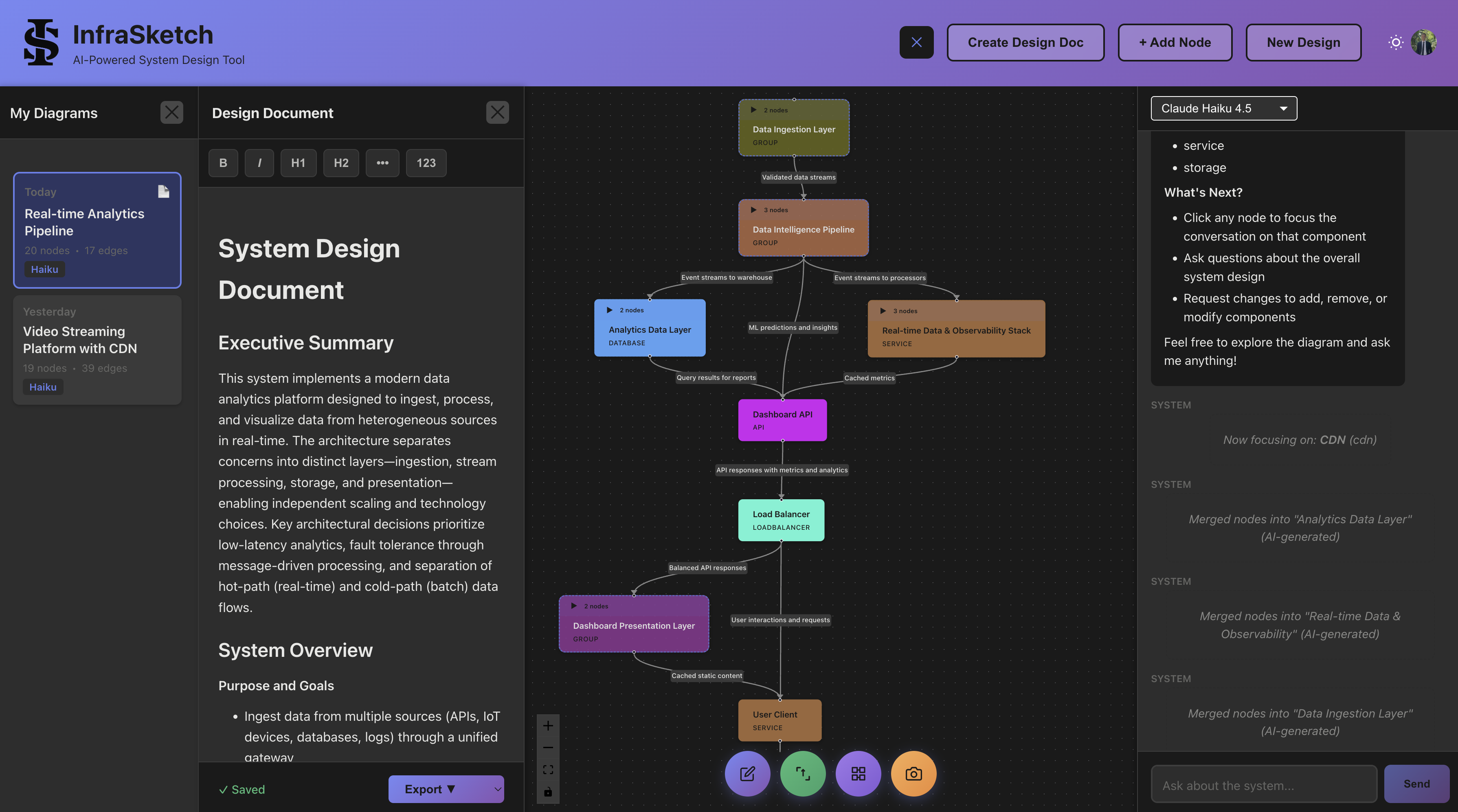
Manage multiple designs with session history
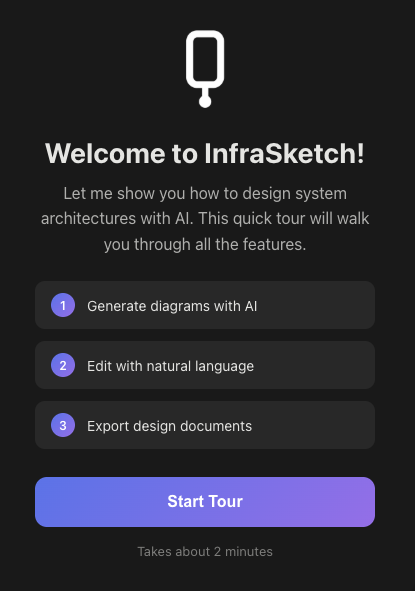
Interactive tutorial guides you through the basics
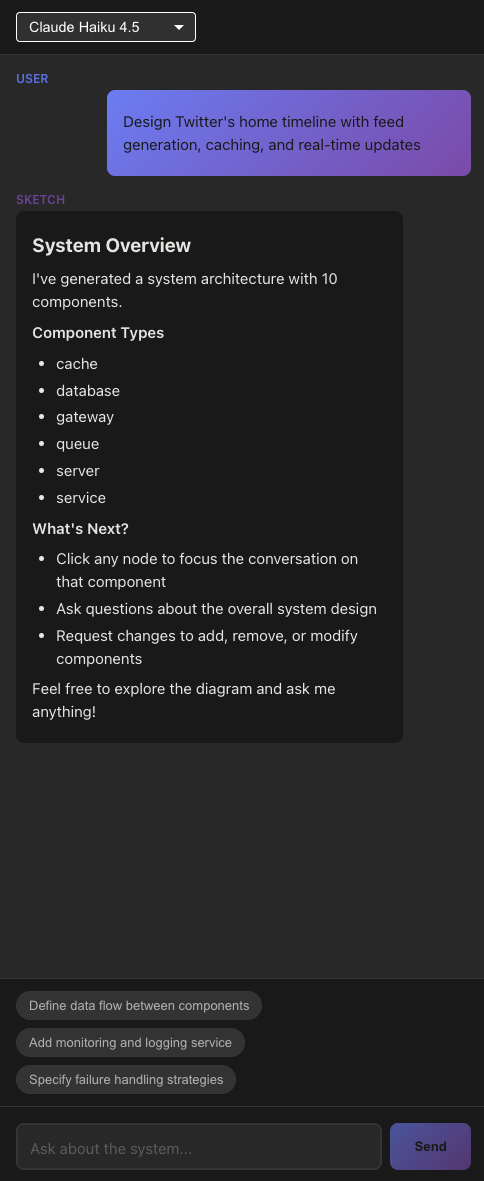
Smart suggestions help you iterate on your design
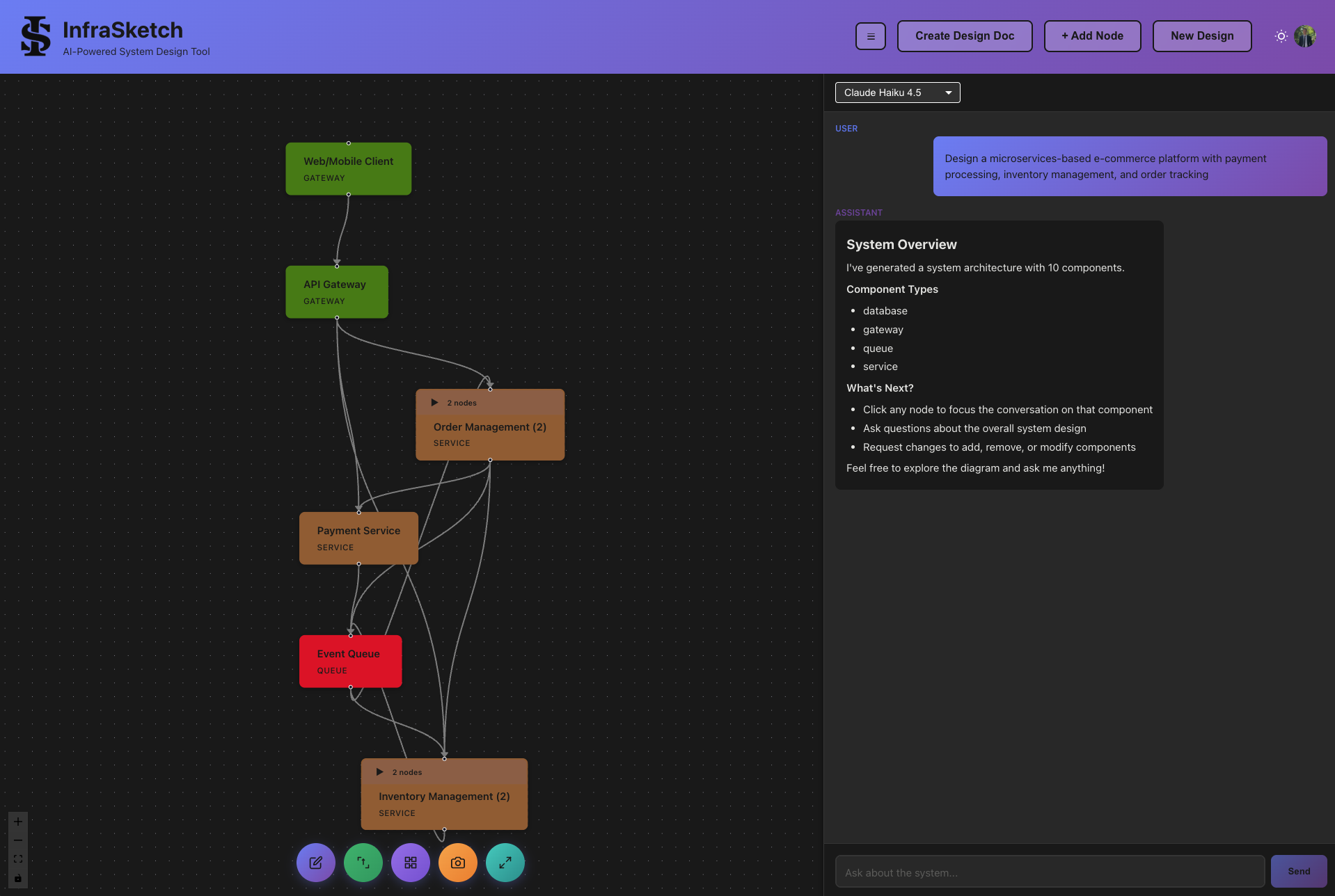
Organize components into collapsible groups
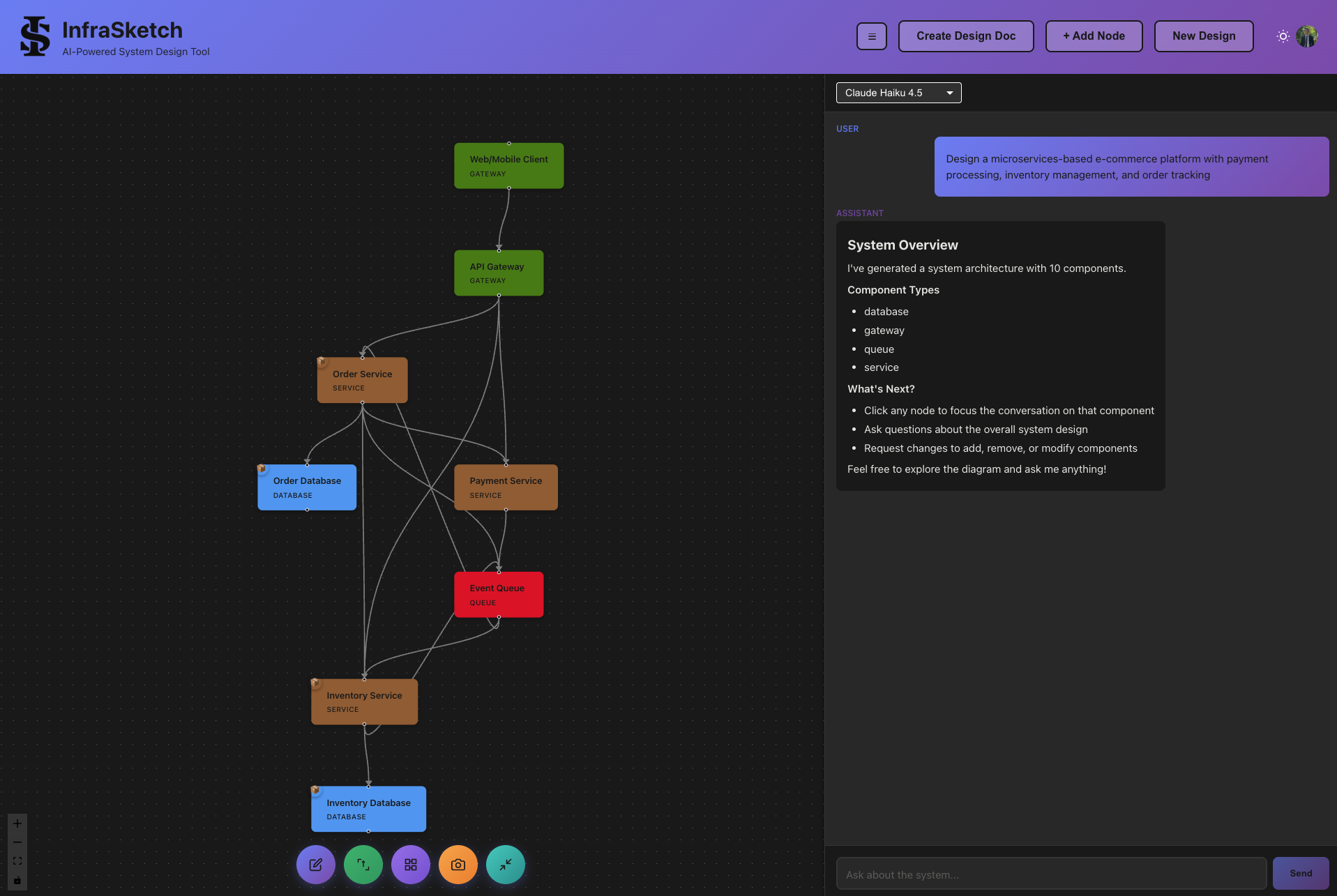
Expand groups to see all components
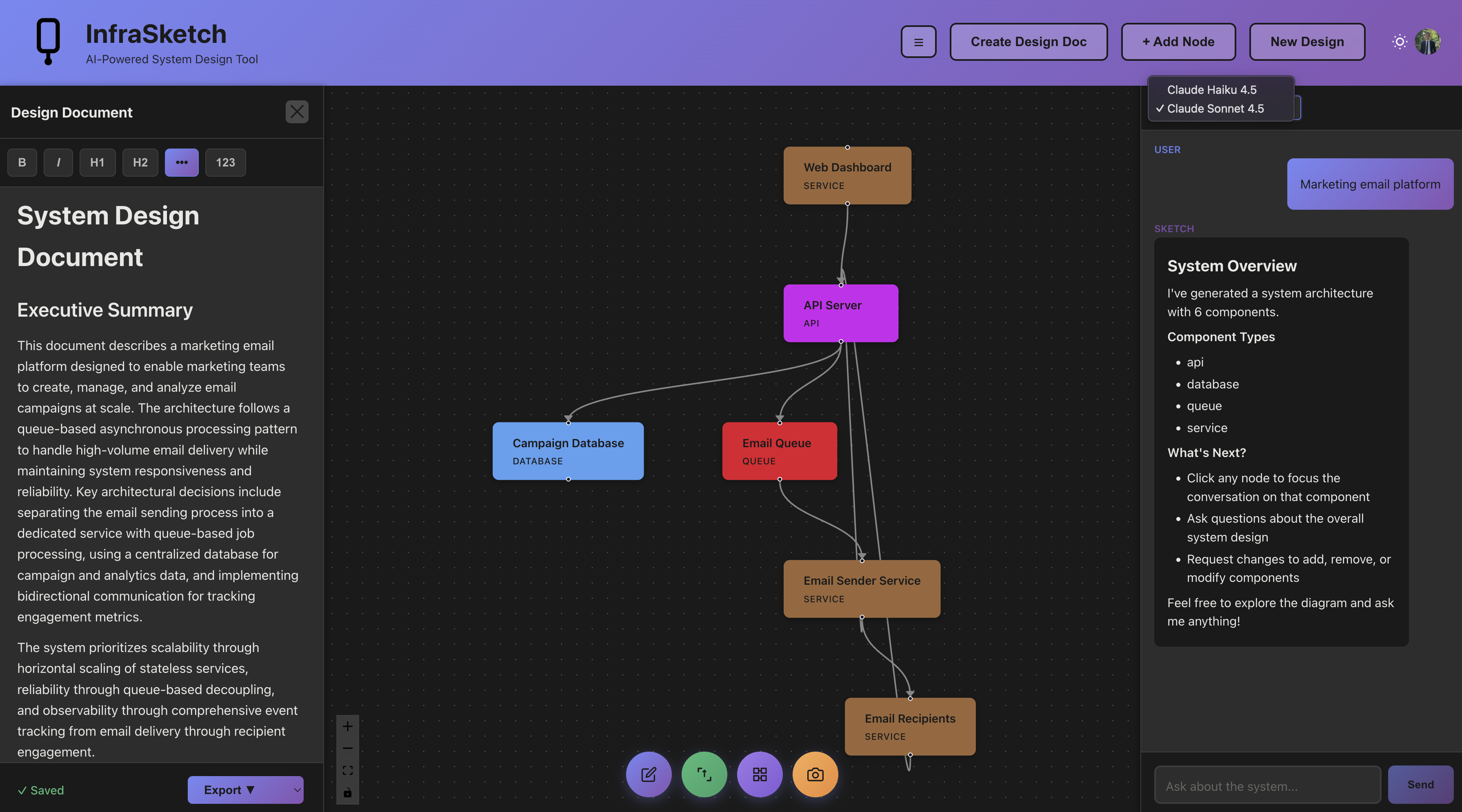
Choose between Speed and Power models
Lucidchart is a manual tool: you drag shapes onto a canvas and connect them yourself. InfraSketch is AI-first: describe your system in plain English, get a complete diagram in seconds, then refine it through conversation. InfraSketch also generates design documents automatically.
| Feature | InfraSketch | Lucidchart |
|---|---|---|
| AI Diagram Generation | ✓ | ✗ |
| Natural Language Input | ✓ | ✗ |
| Auto Design Document Generation | ✓ | ✗ |
| Chat-Based Refinement | ✓ | ✗ |
| Drag-and-Drop Editor | ✗ | ✓ |
| Real-Time Collaboration | ✗ | ✓ |
| Extensive Shape Libraries | ✗ | ✓ |
| Cloud Provider Icons | ✓ | ✓ |
| Export to PNG | ✓ | ✓ |
| Export to PDF | ✓ | ✓ |
| Free Tier | ✓ | ✓ |
| Pricing | Free tier available | Free tier, paid from $7.95/mo |
AI System Design Tool with Auto Documentation
Traditional Drag-and-Drop Diagramming
Type a description, AI generates the diagram
Find shapes, drag onto canvas, connect, style
Lucidchart is a traditional diagramming tool with a drag-and-drop interface. It offers extensive shape libraries, templates, and real-time collaboration features for creating flowcharts, org charts, and architecture diagrams.
Lucidchart is a manual diagramming tool where you drag shapes onto a canvas. InfraSketch uses AI to generate diagrams from natural language descriptions. InfraSketch also auto-generates design documents, which Lucidchart cannot do.
Yes, for system architecture diagrams. InfraSketch replaces manual diagramming with AI generation. Instead of dragging components, you describe your system and get a complete diagram. You can then refine it through chat.
InfraSketch is significantly faster. A diagram that takes 30+ minutes in Lucidchart can be generated in seconds with InfraSketch. The AI understands system design concepts and creates appropriate components and connections automatically.
Lucidchart has added some AI features for auto-layout and suggestions, but it does not generate diagrams from natural language like InfraSketch does. You still need to manually drag and connect shapes in Lucidchart.
Use Lucidchart when you need pixel-perfect control over diagram layout, are creating non-architecture diagrams (flowcharts, org charts), or need real-time collaboration. Use InfraSketch when you want to generate diagrams quickly from descriptions.
Generate architecture diagrams in seconds. No manual diagramming required.
Try InfraSketch Free